
Sonic Pico Park Online: Invites, Lobbies and Fixes
How Sonic Pico Park online play works, from creating a crossplay lobby to fixing invite and connection problems. Plus the subscription each platform needs.
SONIC PICO PARK online play supports up to eight players in a crossplay lobby. The host creates the session, invites friends, and starts the campaign or Battle mode. There is no public matchmaking, so an online session is only as good as the group you assemble.
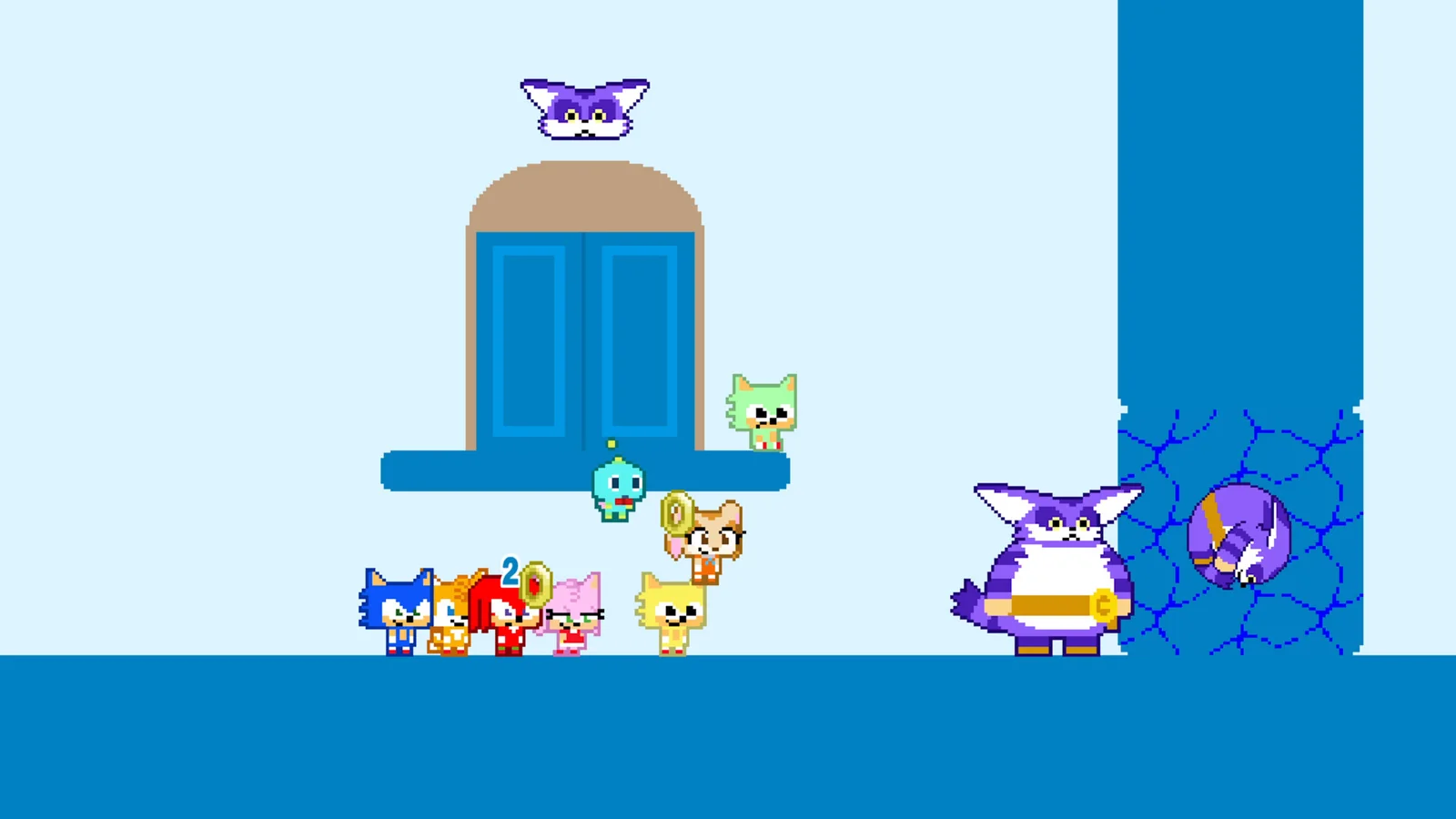
The setup is simple when it works: host, invite, ready, play. Most failures happen before the first stage, in friend lists, subscriptions, or version mismatches. This guide covers the clean path and the fixes for the messy one.
Confirm the host has a wired connection, every player has the right subscription, and every platform has the latest patch.
What you need for online play
| Requirement | Details |
|---|---|
| A copy of the game | Each player needs their own copy |
| Platform subscription | PS Plus on PS5, Switch Online on Nintendo, Game Pass Core on Xbox |
| A host | One player creates and owns the lobby |
| A voice channel | Platform party chat or a third-party app |
| The latest patch | Version mismatches block joins |
Steam players do not need a subscription. PC is also the most flexible host for a mixed local-and-online group: up to seven local players can join an online session from one PC, which fills an eight-player lobby with one remote friend.
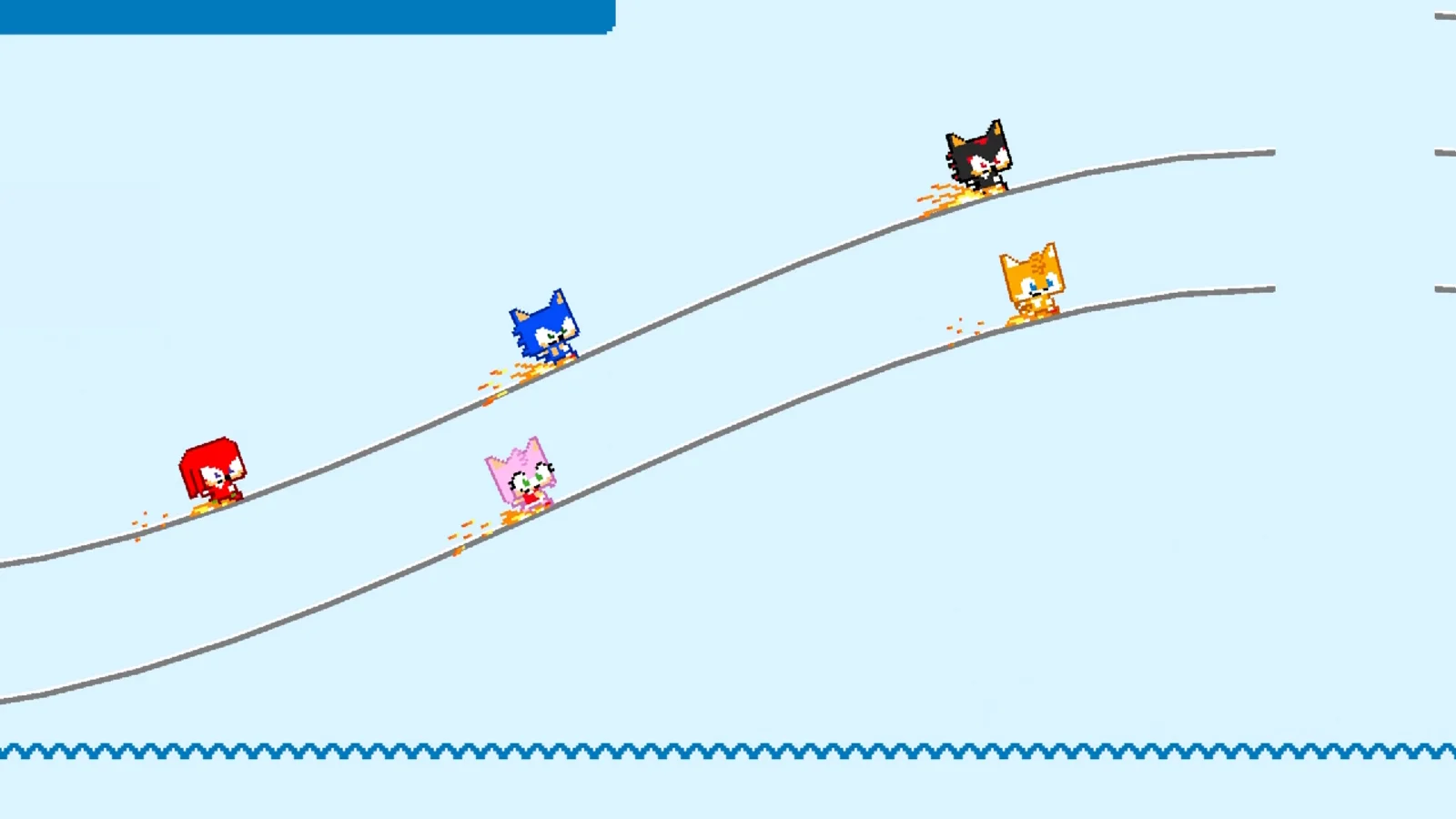
How to create a lobby
- Launch the game and choose online play. The option sits on the main menu next to local play.
- Select the mode. Campaign or Battle mode. The lobby type determines what the group can start.
- Pick your character. The host picks first; the rest of the lobby fills in.
- Invite players. Use the platform's friend system or the game's invite flow. Cross-platform friends may need to be added inside the game rather than through the console's native list.
- Wait for ready states. Do not start while a player is still loading. A premature start can drop the loading player.
- Start the stage. The host controls the start. The group spawns together at the last checkpoint or the world start, depending on the lobby settings.
If a friend cannot join, the problem is usually one of five things: a full lobby, a missing subscription, a version mismatch, a privacy setting that blocks invites, or a friend request that was never accepted.
Inviting cross-platform friends
Crossplay invites are the most fragile part of the setup. The platform friend list is not always the same as the game's friend list, and a friend who is online on another platform may not appear in the native list at all.
The reliable sequence is:
- Add the friend through the game's invite flow, not only through the console.
- Restart the lobby after adding, so the friend list refreshes.
- Send the invite from inside the lobby, not from the platform's home screen.
- Ask the friend to accept from the game's notification, not from the platform's party app.
If the invite still does not arrive, both players should restart the game. A stale session is more common than a network failure.
Connection quality
The host is the anchor. A host on Wi-Fi with a busy household will drag the whole lobby, even if every other player has a good connection. The fixes are boring and effective:
- Use a wired connection for the host. Ethernet on PC, PS5, or Xbox. Switch needs a dock adapter.
- Close background downloads. A patch download on one console can saturate the link.
- Restart the lobby after a bad stage. A fresh session clears accumulated state.
- Avoid a host who is also streaming. Upload bandwidth is shared.
- Keep the group on the same region. Crossplay works globally, but distance adds latency.
The game is not twitchy, so a moderate connection is playable. The failures that matter are disconnects and desyncs, not a few frames of lag.
What to do when the lobby breaks
The lobby disbands after a stage
The host likely lost connection or closed the game. Re-form the lobby and start from the last world. Progress is tied to the host's session, not to a server.
A player keeps dropping
Ask that player to switch to wired, close other apps, and check their NAT type. On consoles, a strict NAT can block peer connections even when the platform's party chat works.
The game says the lobby is full
The cap is eight players. A lobby with seven local players from one PC plus one remote player is full. Count local players as slots, not as one connection.
The invite link does nothing
Platform invite links can expire or open the wrong store page. Send the invite from inside the game, and make sure the friend is on the same patch.
No one can hear each other
The game does not provide cross-platform voice chat. Use the platform's party chat for same-platform groups, or a third-party voice app for mixed lobbies.
Online versus local
Online is the right choice when the group is apart. Local is the right choice for a first session, a party, or any group that wants zero setup. The game plays the same; the difference is the camera, the lag, and the shouting.
A hybrid session is possible on PC: seven local players plus one remote player. That setup gets the energy of a couch session with a remote friend included, and it avoids the worst part of online play, which is filling a lobby with strangers.
The local co-op guide → covers the controller setup for a full room. The multiplayer guide → covers role assignments once the lobby is running.
Official source: SONIC PICO PARK official site ↗
Official source: Steam store page ↗
The Nintendo product page ↗ confirms online play and crossplay. The PlayStation Store listing ↗ lists the PS5 online requirements. Shacknews ↗ covers the game's session pacing.
FAQ
Does Sonic Pico Park have online multiplayer?
Yes. Up to eight players, with crossplay between all platforms.
Do you need Nintendo Switch Online to play online?
Yes. Online play on Switch and Switch 2 requires Nintendo Switch Online.
Can you play online without friends?
There is no public matchmaking. You need to form a lobby with invited players.
How many local players can join an online session?
Up to seven from a single PC, filling an eight-player lobby with one remote player.
Why does the lobby keep disconnecting?
The usual causes are a weak host connection, a version mismatch, or a strict NAT on one player's network. Restart the lobby with a wired host first.